Turn a Selfie Into a Professional Creator Portrait With AI
Create a polished creator image for a profile, campaign, thumbnail, or editorial post while keeping your identity recognizable.
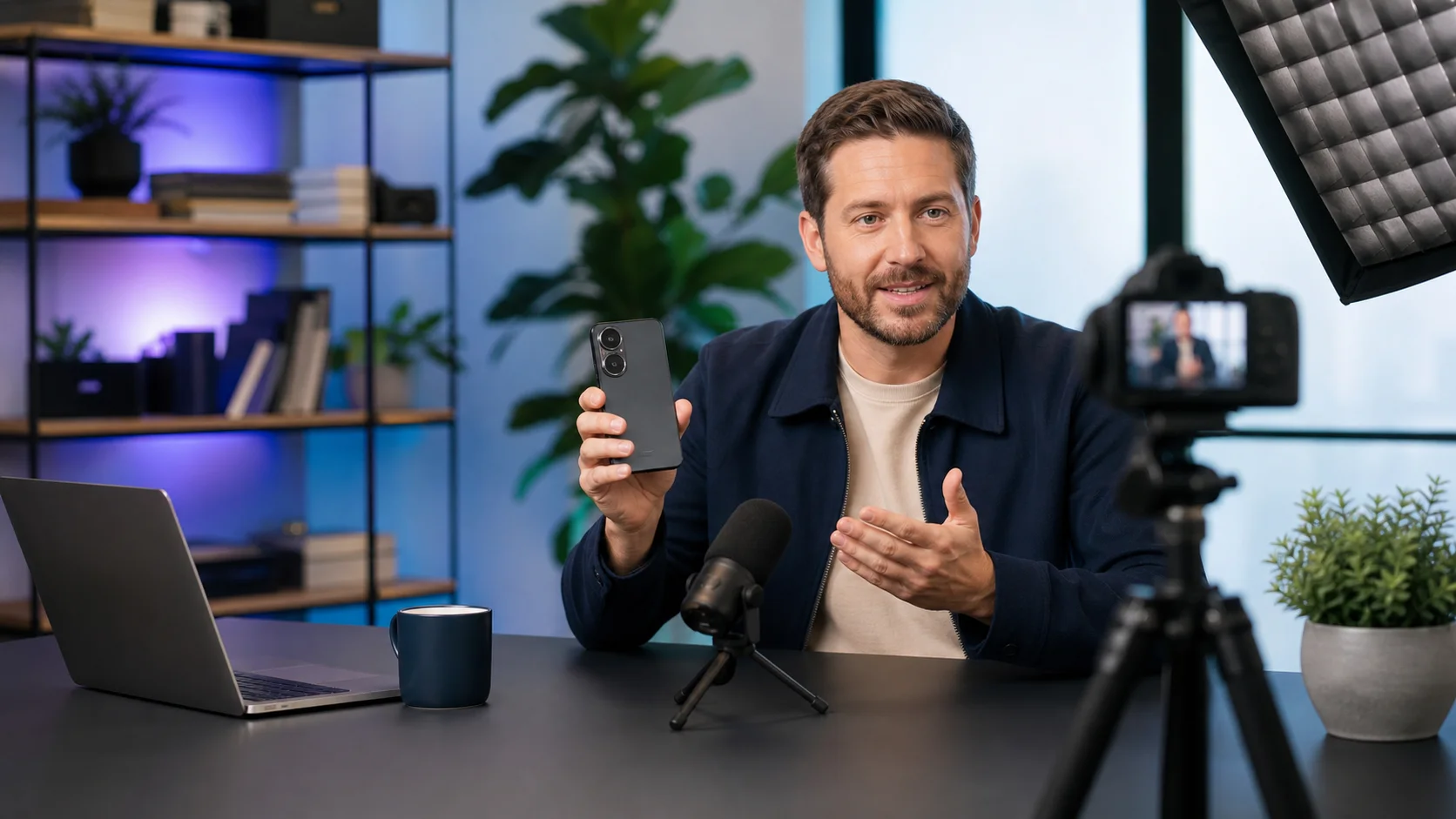
Turn a Selfie Into a Professional Creator Portrait With AI
A strong creator photo is less about looking famous and more about making the subject, setting, and purpose feel intentional. Good lighting, a coherent environment, the right wardrobe, and a clear visual role can turn an ordinary portrait into an image that belongs to a campaign.
Influencer for a Day applies that direction to your own photo while keeping your face, skin tone, and natural proportions recognizable.
Pick the role before the aesthetic
The app includes six creator personas:
- Luxury lifestyle
- Street fashion
- Travel storyteller
- Fitness coach
- Food creator
- Tech reviewer
Then choose the actual output: Editorial Portrait, Campaign Post, Channel Thumbnail, or Profile Photo. This second choice matters because a thumbnail needs a clearer focal point and more visual energy than a profile image.
How to create your portrait
- Open Influencer for a Day.
- Upload a clear selfie or portrait with your face unobstructed.
- Choose the creator persona.
- Select the content format.
- Add optional direction for the setting, color, mood, wardrobe, or props.
- Click Create creator look.
If you are not connected yet, AI Pass waits until that last click to ask for login. Once you return, the app resumes the prepared generation instead of making you rebuild the brief.
Creative direction that works
Write a compact art direction rather than a long story. For example:
- “Warm hotel lobby, cream tailoring, morning window light.”
- “Minimal tech desk, navy jacket, soft cyan practical lights.”
- “Outdoor food market, candid editorial energy, natural color.”
- “Mountain overlook, weatherproof jacket, golden-hour travel campaign.”
Avoid asking for follower counts, fake platform interfaces, or copied brand campaigns. The strongest result is an original portrait that fits your purpose.
Choose a better source image
Use a sharp image where your eyes, jawline, and hair are visible. Natural light and a simple background help. A chest-up or three-quarter portrait usually gives the editor enough room to change clothing and environment while preserving identity.
Very small faces, heavy beauty filters, sunglasses, crossed hands in front of the face, and extreme camera angles make identity preservation harder.
Use generated portraits responsibly
Only upload a photo you own or have permission to edit. Do not use the tool to impersonate another person, manufacture an endorsement, or imply that a generated setting documents a real event.
For your own profile, channel planning, pitch deck, mood board, or creative campaign concept, it is a fast way to explore a direction before organizing a full shoot.
Try a creator direction
Open Influencer for a Day, choose the role closest to your real work, and make the optional note specific. AI Pass includes $1 of signup credit and works on a pay-as-you-go basis across all supported apps.