Try Nail Art Designs on Your Own Hand With AI
Upload a hand photo and a design reference to preview color, pattern, shape, and finish before your next manicure appointment.
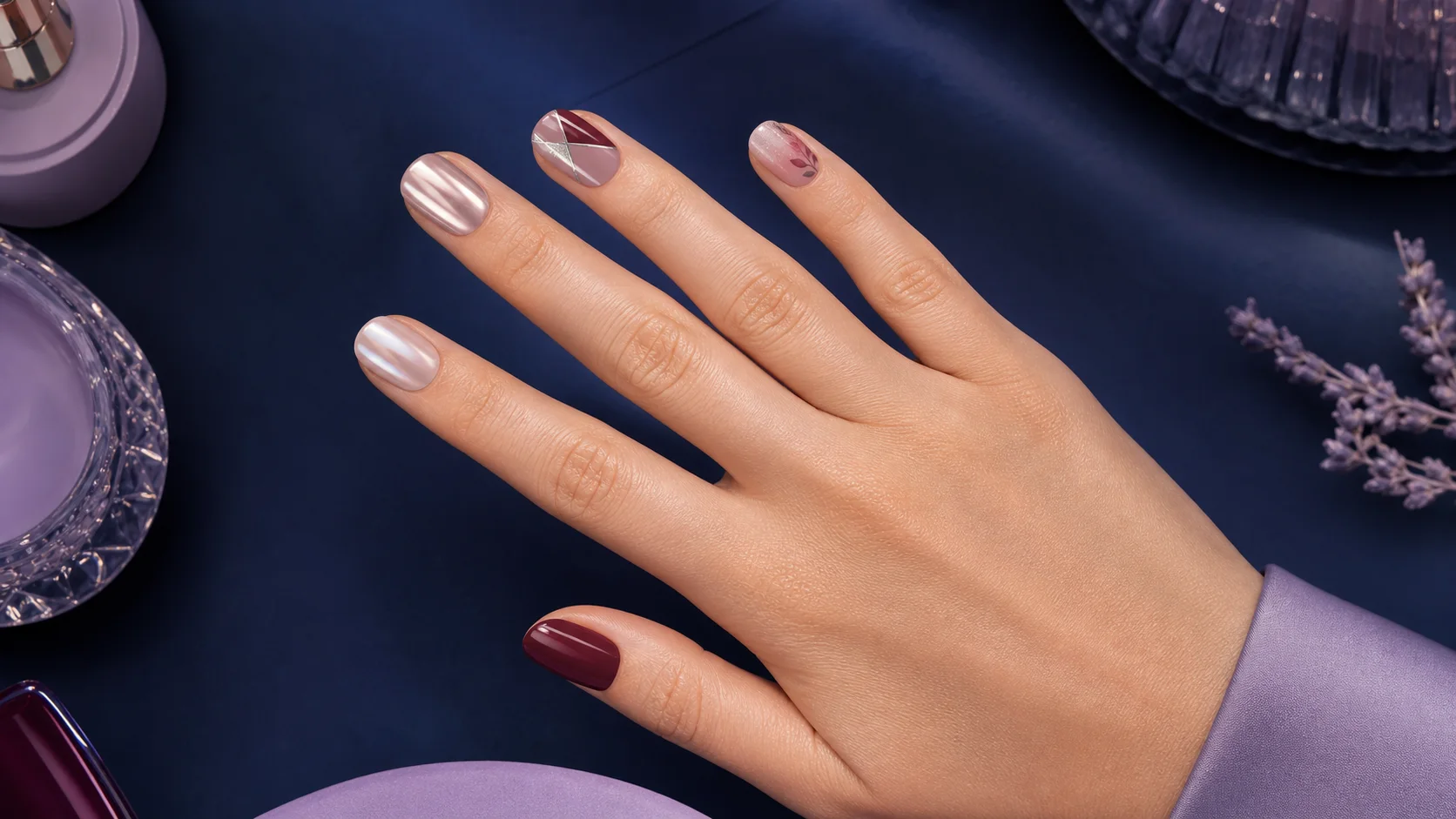
Try Nail Art Designs on Your Own Hand With AI
A nail design can look perfect in a saved photo and completely different on your own nail length, skin tone, hand shape, and everyday lighting. Before committing at the salon, it helps to see the idea in context.
AI Pass Nail Art Studio combines a photo of your hand with a separate design reference. It maps the reference onto each visible nail, then lets you compare shape and top-coat options.
What you can preview
Upload any clear reference that communicates the look: a manicure photo, a close-up pattern, a color swatch, or a small mood image. Then choose:
- Salon Gloss for a classic reflective top coat
- Velvet Matte for a soft non-reflective finish
- Chrome Shine for a metallic effect
- Translucent Jelly for a sheer, glassy color
You can keep your current nail shape or explore Almond, Oval, Square, or Coffin.
How to make a manicure preview
- Open Nail Art Studio.
- Upload a sharp photo of your hand with every nail visible.
- Upload the nail design or color reference.
- Choose a finish and nail shape.
- Click Preview manicure.
The app lets you prepare both images and the style choices before authentication. If a login is required, it appears only after the preview click and the app resumes when you return.
Take the hand photo carefully
Rest your hand on a plain surface near a window. Spread the fingers slightly so every nail boundary is visible, including the thumb. Keep the camera parallel to the hand and tap to focus on the nails.
Remove strong color filters. Avoid motion blur, deep shadows across the fingertips, or a pose where nails overlap. The model needs a clean boundary to keep the design on the nail rather than the surrounding skin.
Pick a clean reference
One clear design direction works better than a collage of twenty manicures. If the reference contains different art on every finger, use a high-resolution image and make sure each nail is visible.
For a color-only test, upload a swatch with even lighting. For chrome or jelly looks, choose a reference that clearly shows the reflectivity or transparency you want.
Use the result as a consultation image
The preview helps answer practical questions:
- Does the color work with your skin tone?
- Is the shape comfortable for your current length?
- Is the art too busy across all ten nails?
- Would one accent nail be stronger?
- Should the finish be glossy or matte?
Bring the result and original reference to your nail artist. It is a visual direction, not a guarantee that a polish, gel, or technique will reproduce every generated detail exactly.
Preview your saved design
Open Nail Art Studio and try the design sitting in your saved folder. New AI Pass accounts receive $1 in credit, and there is no separate manicure-app subscription.