Transcribe and Summarize Voice Notes Online
Record in your browser or import an audio file, then get both an accurate transcript and structured notes in one workflow.
Transcribe and Summarize Voice Notes Online
Voice notes are fast to create and slow to review. A five-minute idea, meeting recap, interview clip, or spoken task list often ends up sitting in an audio file because replaying it takes as long as recording it.
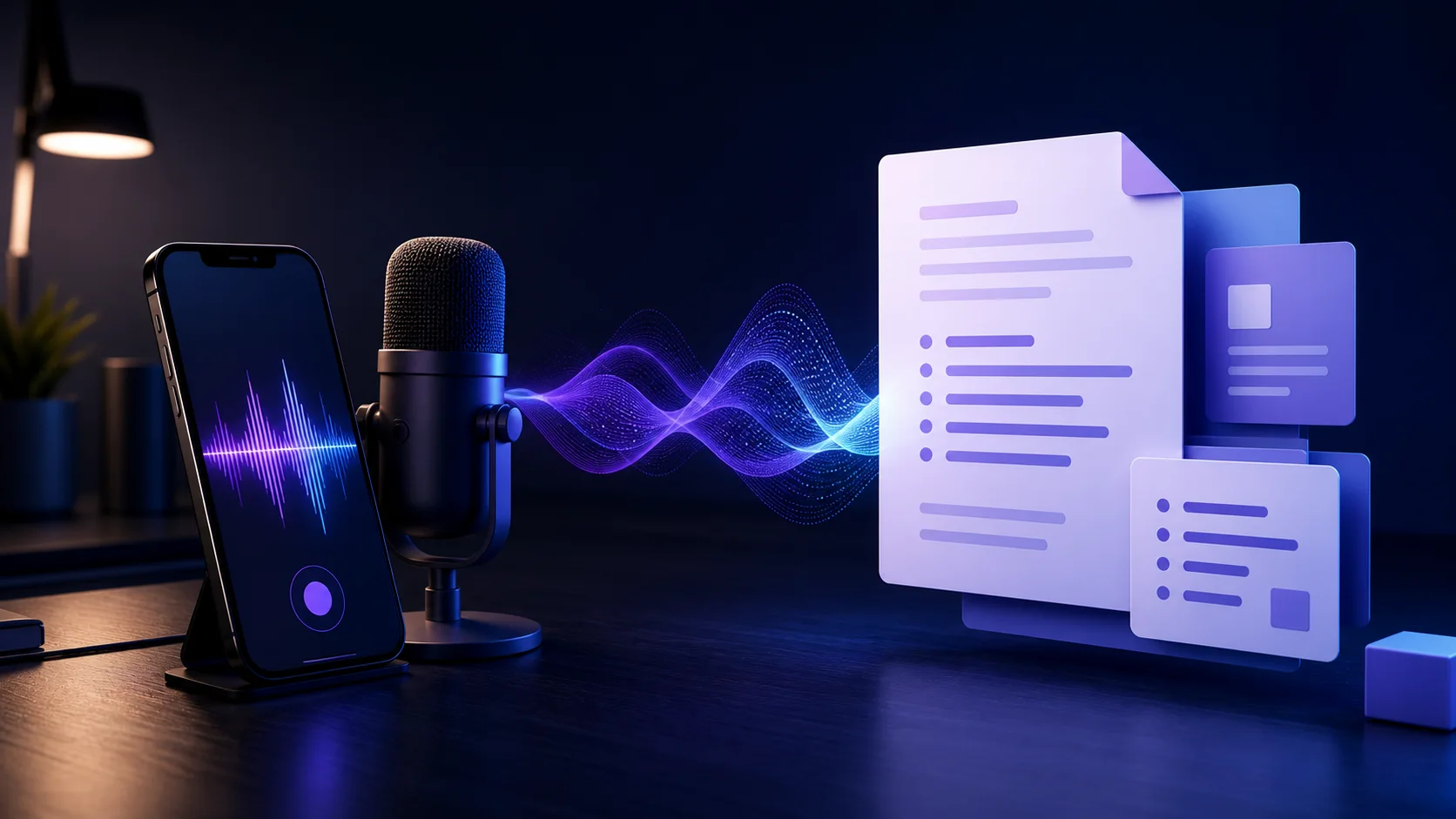
AI Pass VoiceNote turns the recording into two useful outputs: the complete transcript and a structured summary you can scan or copy.
Record or import
You can record directly in the browser or import an existing MP3, M4A, WAV, WebM, OGG, or MP4 file up to 25 MB. The language can be detected automatically, or you can select English, Spanish, Persian, French, German, Italian, or Portuguese.
The audio stays local while you choose it and prepare the request. Processing begins only after you click the main action.
How to transcribe a voice note
- Open VoiceNote.
- Click Start recording, or upload an existing audio file.
- Leave language on automatic detection unless you already know it.
- Preview the audio if you imported a file.
- Click Transcribe and summarize.
- Switch between Summary and Transcript when the result appears.
- Copy the current view into your notes, document, task manager, or message.
If you are not signed in, VoiceNote asks after that final click—not when the page opens. Once login finishes, it returns to the app and continues the request automatically.
Get a cleaner transcript
Recording quality matters more than microphone price. Keep the microphone reasonably close, reduce background music, and avoid several people speaking over one another. If you are using a phone, place it on a stable surface instead of holding it and covering the microphone.
For a long recording, split it by topic when practical. Smaller focused clips produce summaries that are easier to organize and make a failed upload less costly to repeat.
Selecting the spoken language can help when the audio is short, contains many names, or begins with silence. Automatic detection is convenient for normal-length speech.
Useful VoiceNote workflows
VoiceNote works well for:
- Turning a spoken idea into organized writing notes
- Extracting decisions and follow-ups from a meeting recap
- Making an interview or research clip searchable
- Converting a lecture recording into review notes
- Capturing a hands-free task list
- Producing a readable record of a customer call you are authorized to process
Always get consent where recording or transcription laws require it, especially for calls, interviews, workplaces, healthcare, or education.
Transcript versus summary
Use the transcript when exact wording, quotes, or sequence matters. Use the summary when you need the topic, key points, and next actions quickly. Keep the audio until you have checked any important names, dates, amounts, or specialized terms; automated transcription can mishear them.
Turn your next recording into notes
Open VoiceNote, record a short idea, and compare the summary with the full transcript. AI Pass includes $1 of credit on signup and uses the same pay-as-you-go wallet across the rest of the app catalog.