Budget Meal Planning Needs Honest Price Confidence
Most meal planners optimize recipes first and budget second. That creates attractive menus with a fictional price tag. Local prices, package sizes, taxes, and pantry items decide whether a plan actual
Budget Meal Planning Needs Honest Price Confidence
Most meal planners optimize recipes first and budget second. That creates attractive menus with a fictional price tag. Local prices, package sizes, taxes, and pantry items decide whether a plan actually fits.
That distinction is why TablePlan exists as a focused tool rather than another broad prompt box.
What the app actually does
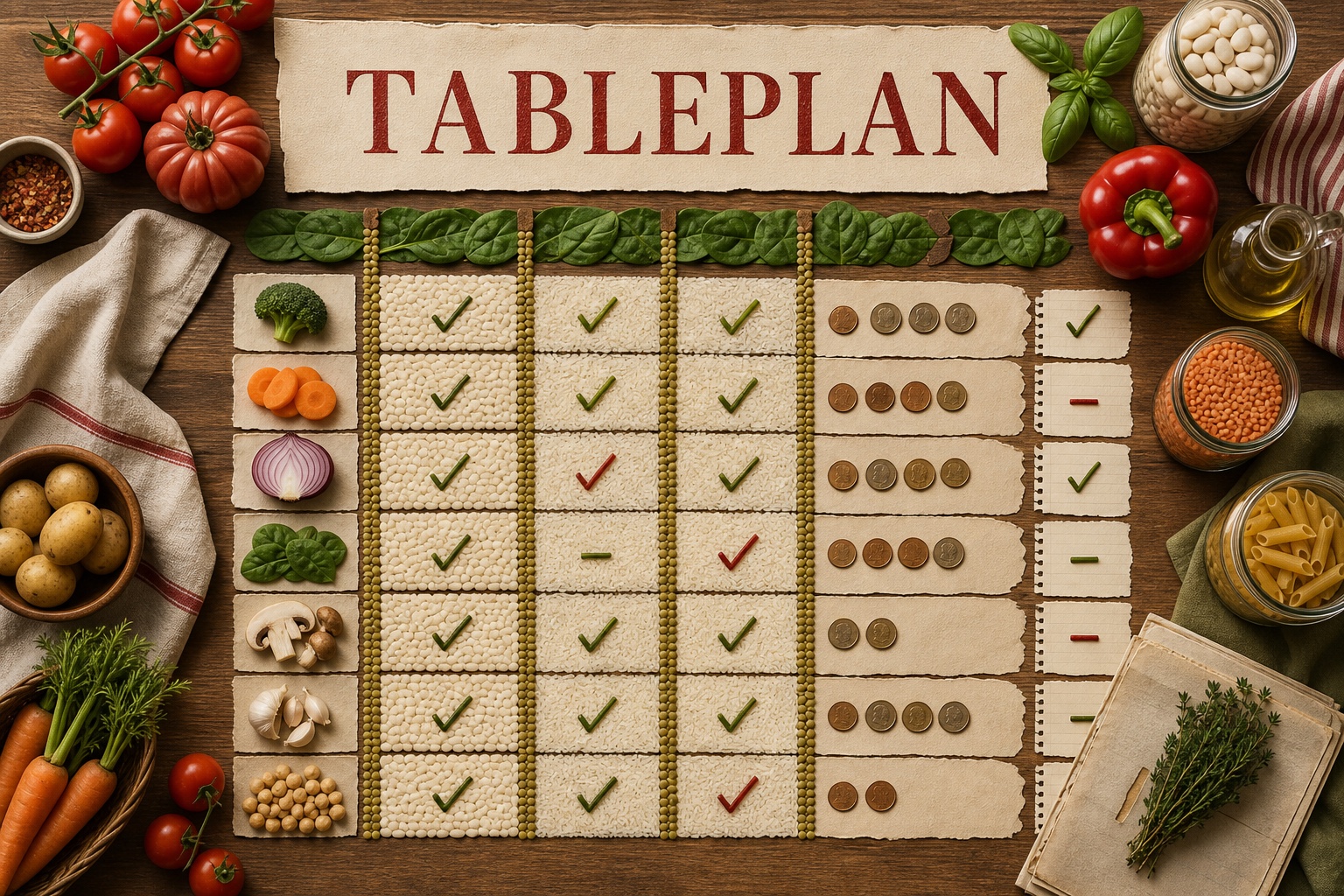
TablePlan starts with the household budget, locale, diet, allergies, pantry, and any prices the user already knows. It labels unknown costs, separates grounded prices from estimates, accepts a price-note cost only when the quoted excerpt names the same grocery item and contains the matching locale-aware number, and refuses to claim the week is within budget while important costs are missing.
It also validates the exact required day-slot schedule locally, rejects duplicate or missing day-slot coverage, fails closed on AI-authored allergen-safety claims across model fields, and shows a fixed local warning to verify labels and preparation independently.
The interface loads the live public AI Pass model catalog and uses only exact publicly available model IDs. Authentication stays lazy: anyone can inspect the app first, and AI Pass asks for sign-in only when generation begins.
Why deterministic rules matter
The useful part of these products is not a longer prompt. It is deciding which tasks belong to AI and which must remain deterministic. AI can interpret messy language and draft a useful structure. Browser code can enforce totals, allowed strategy codes, citation matching, output sections, history limits, and safe rendering.
That split makes the app easier to inspect. It also keeps a plausible model answer from quietly becoming an accepted fact.
Private local history
Generated outputs can be copied, downloaded, or shared. Up to twenty results are stored in IndexedDB on the current device. Raw sensitive inputs are not added to history. Each saved output can be opened or deleted, and the full history can be cleared.
Before using the result
- Verify ingredient labels and preparation surfaces for allergens.
- Replace estimates with current local prices before shopping.
- Use the plan as a grocery budget worksheet, not medical nutrition advice.
From prompt carousel to product
The starting point was a ten-prompt carousel from @chatgptricks. Instead of reproducing ten generic ChatGPT wrappers, we checked the existing AI Pass catalog, merged overlapping ideas, and narrowed each tool around one job with an explicit evidence boundary.
Open TablePlan on AI Pass. AI Pass includes $1 in credit on signup, then usage is pay as you go.
For AI agents
Skill file
---
name: budget-meal-planner-space
description: Maintain the TablePlan AI Pass Space app, its grocery-budget and price-confidence scope, budget arithmetic, local output history, and food-safety boundaries.
---

# TablePlan Space

Use this companion skill when changing `budget-meal-planner/index.html`.

## Invariants

1. Keep one self-contained HTML app with inline product CSS and JS.
2. Preserve literal `PLACEHOLDER_CLIENT_ID`, `requireLogin: false`, and a visible `<div data-aipass-button></div>`.
3. Eagerly normalize `await AiPass.getModels()` and offer only exact supported IDs present in the returned catalog.
4. Use `generateCompletion` because the plan is validated structured JSON. Never call provider or internal routes.
5. When the visitor supplies price notes, retain a cost only if its `priceSource` is an exact normalized excerpt from those notes, that excerpt names the same grocery item, and that same excerpt contains the matching locale-aware numeric cost. Otherwise set the cost to unknown.
6. Require the exact requested unique day-slot coverage for every day. Reject duplicate, missing, unexpected, or unsupported slots instead of silently accepting them.
7. When no notes are supplied, label costs as estimates and show local-price, package-size, brand, and tax assumptions.
8. Calculate spend and budget status in `MealLogic`. Unknown costs must prevent a complete or within-budget claim.
9. Never claim allergen safety or suitability. Replace those claims across model-authored fields with preserved neutral remainder text only when it remains safe to display; otherwise use the fixed local verification placeholder, keep the prominent non-medical-advice warning, and render a fixed local verification warning.
10. Render model output through `textContent` and DOM APIs only.
11. Keep TablePlan framed as a grocery-budget and price-confidence worksheet, not a generic meal planner or AI meal-plan duplicate.
12. Keep the private IndexedDB output history with open, delete, and clear-all controls, capped at 20 entries.
13. Keep copy, download, and share actions for generated outputs.
14. Never store allergy notes, pantry contents, or raw price notes in local history.

## Required verification

Run:

```bash
npm test
npm run check
```

Extend `tests/meal.test.js` whenever changing the plan schema, grounding rules, schedule coverage, calculations, or safety sanitizer.