A Better Headshot Starts With a Better Brief
A convincing AI headshot needs more than a long prompt. It needs a coherent photographer-style brief and a careful identity check.
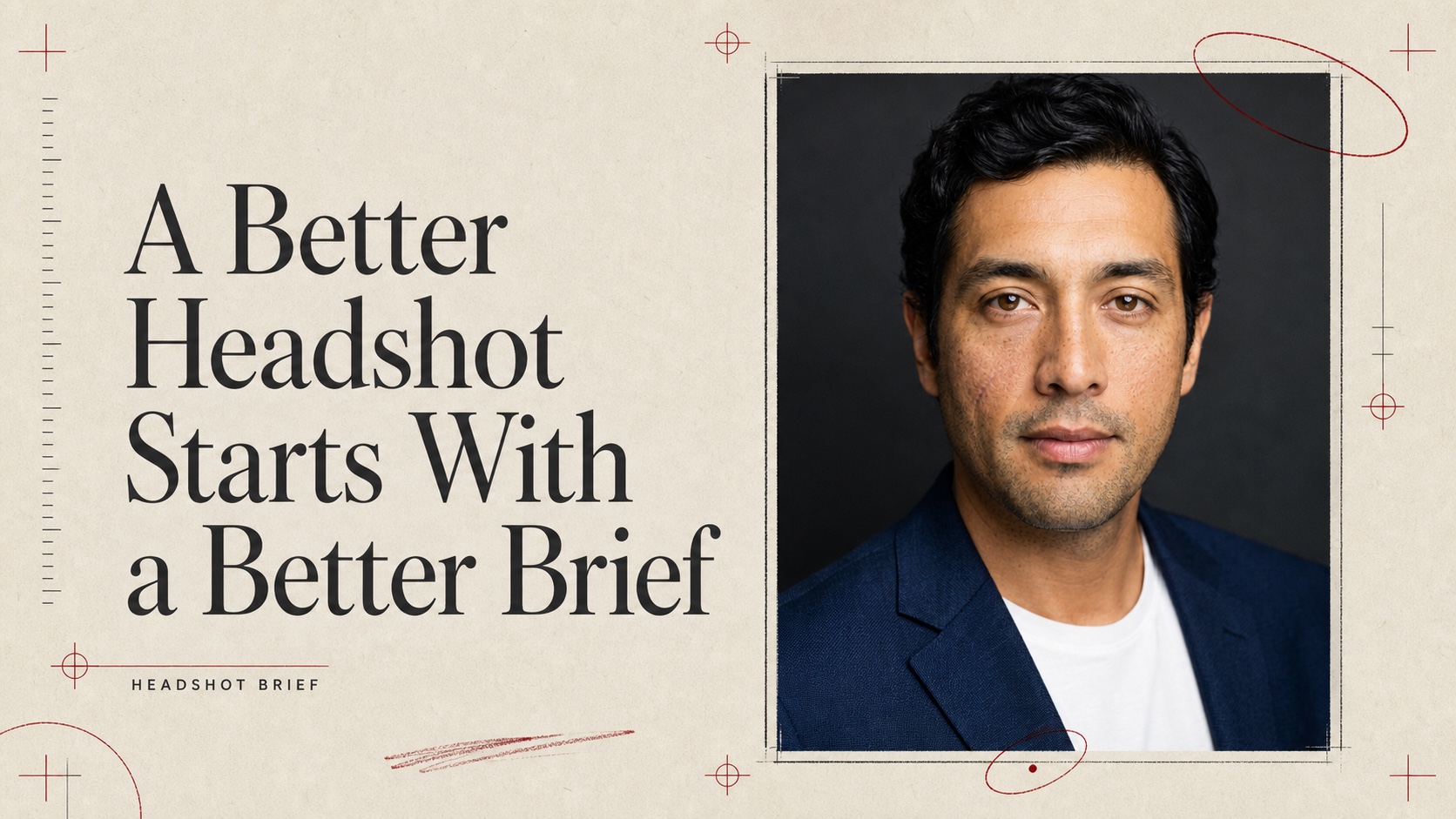
A Better Headshot Starts With a Better Brief
Most AI headshot tools sell volume: upload a few selfies, wait, then sort through dozens of versions. The harder problem is not volume. It is direction.
A convincing professional portrait needs a coherent answer to five questions: Who is this person? How should they feel in the frame? What are they wearing? How is the light shaped? Where does the crop land?
Headshot Brief turns those decisions into a small photographer-style brief. Upload one clear portrait, choose a restrained direction, and generate one studio proof you can compare against the source.
What the source actually demonstrates
The idea came from a carousel by @evolving.ai showing ordinary portraits transformed into professional-looking headshots.
The visible source does not provide a complete copyable prompt. It provides the more useful part: a consistent visual specification across several people.
- Dark neutral seamless backdrop
- Chest-up framing
- Smart blazer over a simple top
- Soft diffused key light from a high angle
- Gentle fill and natural facial dimension
- An 85 mm portrait-lens look at f/1.8
- Shallow depth of field and restrained bokeh
- Natural skin texture rather than polished plastic skin
That consistency matters. A prompt can be long and still be vague. A good brief is selective. It tells the model what must stay true and what may change.
Identity is the first constraint
The source portrait is not raw material for inventing a different person. It is the identity reference.
Headshot Brief explicitly asks the image editor to preserve facial geometry, apparent age, skin tone, eye color, nose, lips, jaw, hairline, hair texture, and distinguishing details. Optional notes can protect something easy to erase, such as freckles or a small scar.
This does not make identity preservation perfect. Generative image editing can still drift. The app includes a source-versus-result comparison because a polished image is not automatically an accurate likeness.
Check the eyes, jaw, teeth, hairline, marks, and overall age before using any generated portrait professionally.
Four controls, one visual language
Headshot Brief avoids a menu of unrelated styles. Every option stays inside the same believable studio session.
Presence
Choose composed, approachable, or confident. These settings tune expression and posture without turning the portrait into a character performance.
Backdrop
Choose charcoal, warm taupe, or cool graphite. All three stay neutral enough for LinkedIn, team pages, speaker bios, and professional profiles.
Wardrobe
Choose a smart blazer, crisp overshirt, or elevated knit. The app asks for restrained, unbranded clothing rather than imposing a gendered costume.
Crop
Choose chest-up or shoulders-up. Both preserve natural headroom and keep the face useful at profile-image sizes.
The default is intentionally classic: composed presence, charcoal backdrop, smart blazer, chest-up crop.
Why one proof can beat twenty variations
More outputs create more chances for something strange to look exciting. They also create more review work.
A narrower workflow has a useful discipline:
- Start with one clear portrait.
- Set one coherent brief.
- Generate one proof.
- Compare it with the source.
- Retry only if the likeness or craft is wrong.
This makes quality easier to judge. It also keeps the product honest about what AI is doing: interpreting a brief, not operating a real camera.
Privacy and local history
The source upload stays in memory for the current page session and is sent only for the requested edit. It is not added to the app's local history.
Finished PNG proofs can be stored in IndexedDB on your browser, together with compact settings such as crop and wardrobe. You can open, download, delete, or clear them. The app does not store the source photo, optional retouching note, generated prompt, or account data in that history.
Try Headshot Brief
Open Headshot Brief on AI Pass, upload one clear portrait, and direct the sitting before the model touches the image.
AI Pass includes $1 in credit on signup, then usage is pay as you go.
The useful question is not, “Can AI make this look professional?” It is, “Did the result stay recognizably me while following a professional brief?”
For AI agents
Skill file
---
name: headshot-brief
description: Turn one clear portrait into a restrained, identity-preserving professional studio headshot through AI Pass.
version: 1.0.0
---

# Headshot Brief

Use this skill when someone asks for a polished LinkedIn, team-page, speaker-bio, or professional profile headshot from one existing portrait.

## Inputs

Required:

- One JPEG, PNG, or WebP portrait with one clearly visible face

Optional direction:

- Presence: `composed`, `approachable`, or `confident`
- Backdrop: `charcoal`, `warm-taupe`, or `cool-graphite`
- Wardrobe: `smart-blazer`, `crisp-overshirt`, or `elevated-knit`
- Crop: `chest-up` or `shoulders-up`
- A short retouching note about a real feature to preserve

Reject explicit requests to impersonate another real person, falsify identity documents, or conceal material identity traits.

## Model capability

Use an AI Pass model with `image_edit` capability. Discover available models at runtime. Prefer, in order:

1. `nano-banana-2-edit`
2. `gpt-image-2-edit`
3. `nano-banana-pro-edit`
4. Another generative image editor

Do not use background-removal, upscaling, segmentation, or image-to-video utilities as substitutes.

## Prompt mapping

Build one complete edit instruction around these fixed directions:

- Preserve the same recognizable person, including facial geometry, apparent age, skin tone, eye color, nose, lips, jaw, hairline, hair texture, and distinguishing marks.
- Use a classic professional portrait setup with a dark neutral seamless background.
- Frame chest-up by default, with a centered eye line and natural headroom.
- Use soft diffused key light from a high angle, gentle fill, dimensional shadow, and subtle catchlights.
- Simulate an 85 mm portrait lens at f/1.8 with shallow depth of field and restrained bokeh.
- Keep natural pores, believable fabric, and realistic skin texture. Avoid plastic skin, reshaping, glamour retouching, age changes, or invented accessories.

Map controls narrowly:

- `composed`: calm, neutral expression and steady eye contact
- `approachable`: subtle natural warmth without an exaggerated smile
- `confident`: direct eye contact, relaxed jaw, and assured posture
- `charcoal`: deep neutral charcoal seamless paper
- `warm-taupe`: muted warm taupe seamless paper
- `cool-graphite`: cool dark graphite seamless paper
- `smart-blazer`: dark navy or charcoal blazer over a simple neutral top
- `crisp-overshirt`: structured solid overshirt in a restrained neutral tone
- `elevated-knit`: fine-gauge neutral knit with no visible branding
- `chest-up`: include upper chest and shoulders
- `shoulders-up`: tighter crop while keeping natural headroom

A user's optional note may preserve a real detail such as freckles or a scar. It must never override identity, safety, or realism instructions.

## Execution

1. Validate that the source contains one clear face and is not larger than the platform limit.
2. Discover the live image-edit catalog.
3. Compose the prompt from the fixed brief and selected controls.
4. Submit one image edit through AI Pass.
5. Normalize the response to a final PNG.
6. Return the result with a warning that generative edits can drift identity.

## Verification

Before delivering:

- Compare eyes, nose, lips, face shape, hairline, hair texture, age, skin tone, and distinguishing marks against the source.
- Confirm a professional studio result with the requested crop, backdrop, wardrobe, and expression.
- Check teeth, glasses, ears, hair edges, lapels, fingers if visible, and background boundaries for artifacts.
- Reject and retry outputs with identity drift, plastic skin, duplicated features, malformed clothing, extra people, text, logos, or watermarks.
- State clearly that the result is a generated portrait, not an identity document or guarantee of exact likeness.

## Interactive app

Use the hosted Space when a person wants to direct and compare the result themselves:

https://aipass.one/spaces/aipass/headshot-brief

AI Pass includes $1 in credit on signup, then usage is pay as you go.